Netflix Is No Different
It's always been like this!
Technology is created by big companies...
and little by little it reaches
more and more people...
Until one day...
we reach a point where...
And then...
This happened...
With cars...
With computers...
With the Internet...
With mobile phones...
It will happen with AI too.
Because now...
OUR OWN NETFLIX.
Benefits?!!
- Have whatever YOU want on your own platform.
- Know that everything you have saved won't suddenly disappear one day.
- Share it with other people: family, friends... or whoever YOU choose.
- Give a second life to your old files, DVDs, USB drives, Blu-rays and everything you've been keeping for years.
- Start collecting again.
- And stop paying for four different streaming platforms... just to watch two series a month.
And now...
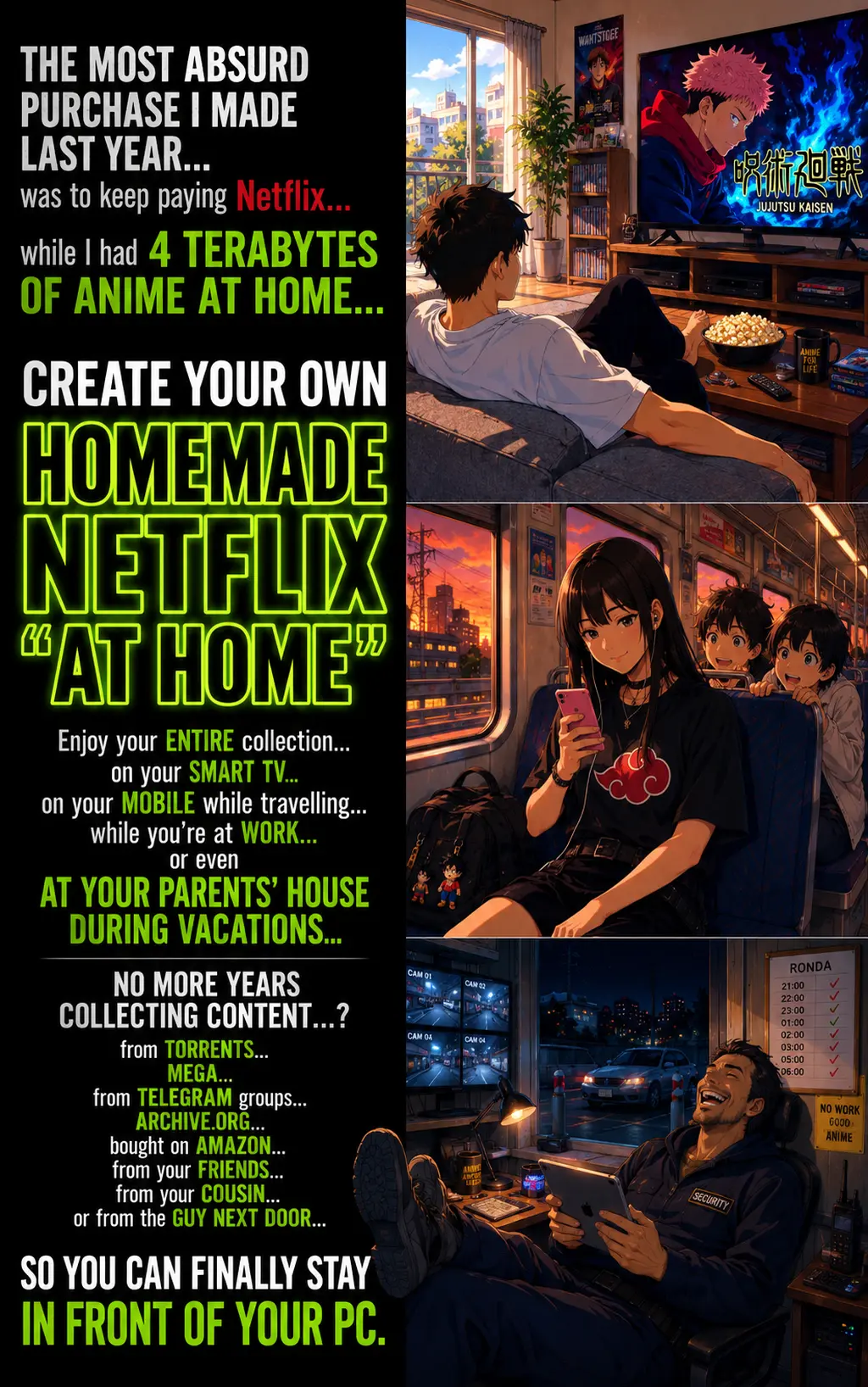
A STEP-BY-STEP guide...
with images...
with examples...
and with all the details you need to create your own...
The idea is simple:
install it...
set it up...
create your collection...
organize it...
and then...
From the devices you already use:
Laptop... Smart TV... mobile phone... tablet... PC...
And also...
if you want...
Inside the guide, I'll show you...
- How to use the PC or laptop you ALREADY have to create your Private Netflix. And what equipment you need depending on how much content you want to store. Because buying things before knowing what you need them for... can cost you a lot of money. Page 19.
- How to install and set up your Netflix at Home on Windows, with screenshots so you can follow every step. From downloading the program to getting it ready to use. Pages 6 and 7.
- How to organize your movies, series, Anime and music into separate libraries. So you can easily find what you want to watch without searching through your entire collection. Page 9.
- Why I stopped letting the program choose certain cover images for me. Seeing your favorite series every day with a horrible cover is not much fun... and I'll show you how to use ANY cover YOU want. Pages 10 and 11.
- Two ways to organize seasons and episodes so your Netflix — YOURS, not theirs — can recognize them. A small detail that's important to get right before adding hundreds of episodes. Page 12.
- Where to put Anime movies, OVAs and specials so you can keep them together with the series. You'll see examples with Evangelion, Cowboy Bebop and Dragon Ball Super. Pages 13 and 14.
Even though I've said it HUNDREDS of times...
I'll say it again:
FOR YOUR SERIES AND MOVIES.
You can have Goku...
Rocky...
Doctor House...
your concert collection...
Let's continue...
- How to give every movie and OVA its own cover image. So when you open a series, you actually enjoy looking at everything you have inside. Page 14.
- What to do when you've added episodes or changed cover images... but your platform still shows the old ones. The steps to make your changes appear. Page 15.
- How to give a second life to those DVDs that have been sitting on your shelf for years. I include a real example using Ferris Bueller's Day Off: from a physical DVD to a file you can add to your library. Pages 21 and 22.
- What DVD reader and storage you might need if you want to turn your collection into digital files. And when you can simply use the files you already have. Pages 18 to 20.
- How to create users for your family and choose which libraries each person can access. Pages 26 and 27.
- How to connect your mobile phone, another computer and your Smart TV to your library. So that all your work ends exactly where it should:
- How to set up access from outside your home, with a router example, so you can access your collection when you're away and also let family or friends connect if YOU want. Page 8.
So...
and enjoy watching them from my sofa?
YES.
With their cover images.
With their seasons.
With their episodes.
With different user accounts.
With each person's watch progress.
Continuing exactly where you stopped.
And you can watch them...
on your Smart TV...
on your mobile phone...
on your tablet...
on your laptop...
on another PC...
That...
Create Your Own Private Netflix at Home
You can get all of this for €123
IMPORTANT!!!
This MATERIAL
will NOT be available at this price forever!
Why?
Because it has incredible value...
for Anime, Series and Movie collectors.
Get it at this price NOW while you can!
BUT FIRST...
Before you buy, I want you to know a few things:
- You need a PC or laptop. This is the computer you will use to create your Private Netflix.
- The guide is made for Windows. If you use another operating system, you will need to adapt some steps.
- You need to know how to install programs, move files and change some settings.
- If you want to access your collection from outside your home, you will need to configure your router.
- You will need enough storage space to keep your collections.
- Movies, series and Anime are NOT included.
- And if you don't have a PC or laptop... and you don't plan to get one... DO NOT buy this guide. Because you won't be able to make good use of it.
ALRIGHT!
Once again...
You can get all of this for €123
Secure payment by credit card
FREQUENTLY ASKED QUESTIONS
-
What am I buying?
A 32-page PDF guide where I show you how to create, set up and organize your own Private Netflix at Home. -
Is it worth buying?
If you already have Anime, Series or Movies saved, you can get a lot more enjoyment from them.
By organizing them and watching them on your Smart TV, mobile phone, laptop or tablet.
If you don't have a collection yet but want to start collecting, this guide is also for you.
And if you never thought about collecting before, but reading this has made you interested...
I'm telling you! Once you have everything set up... you'll want to start collecting!
It will probably be the second best purchase you make this year. -
Can I buy it as a gift for someone?
YES.
Just make sure that person has a PC or laptop and wants to create their own Private Netflix. -
Can we buy it together?
OF COURSE!
I would do it!
Why do we always try to control things we can't control?
If several of you want to share the cost and buy it together, GO AHEAD! -
Are Movies, Series and Anime included?
NO.
This guide teaches you how to create and organize your own Private Netflix.
YOU provide the content. -
Do I need computer knowledge?
A little.
You'll need to install a program, work with folders and change some settings.
Everything is explained with images and steps. -
Does it work on Mac or Linux?
The guide was created using Windows.
If you use Linux or Mac, you can still use some of the information, but you'll need to adapt certain steps yourself. -
Can I use my Private Netflix away from home?
YES.
You'll need to keep your server running and set up remote access on your router.
In the guide, I show you how I do it with a real example. -
Can I create different users?
YES.
You can create an account for each person and choose which libraries they can access. -
Will each user have their own watch progress?
YES.
Each person can continue from the episode and minute where they stopped, without mixing their progress with anyone else's. -
Can I use my own cover images?
YES.
And I'll show you exactly how to do it, so your collection looks the way YOU want. -
Is this only for Anime?
NO.
You can use it for Anime, Series, Movies, music, concerts or any other content you want to organize. -
What if I only have a small collection?
IT DOESN'T MATTER.
You can start with just one series or a few movies.
Once you have your own Netflix ready...
you'll probably want to add more.
That's how people are... we always want MORE! -
How long will it take to set everything up?
It depends on your computer, what you want to configure and how big your collection is.
You can start little by little. -
What if I have a problem?
I would do what I always do.
Check the step again, take a screenshot of the problem and ask ChatGPT for help.
You can even give ChatGPT the PDF, tell it which page you're on and show it exactly what's happening. -
How will I receive the guide?
You'll receive it at the same email address you used when buying it. -
I've paid! What happens now?
I'll check your payment and send you an email with the links to download all the material. -
How exactly will I receive it?
You'll receive an email at the same address you used to make the payment.
The email subject will be:
"STA ES LA SEGUNDA MEJOR COMPRA QUE HARÁS ESTE AÑO" -
What if I DON'T receive the email?
First, check your SPAM or Junk folder.
If you still can't find it, email me at ventas@estasenlazonapirata.com using the same email address you used to buy the guide.
ALRIGHT!
Now that we've answered your questions!
Create Your Own Private Netflix at Home — €123
Secure payment by credit card